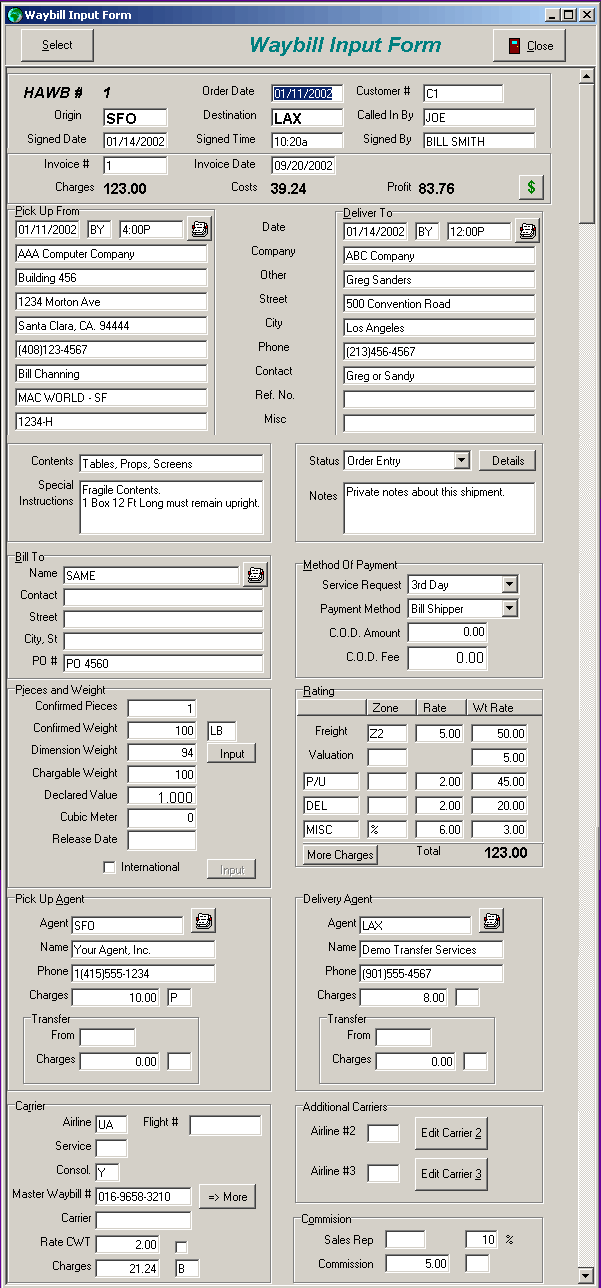
The Waybill Input Form stores all the information for a shipment. You use your customer and agent data to fill much of the data. You may also create customres and agents on-the-fly.

Many input fields show helpful hints when the mouse hovers over a field.

Any dropdown list has a lookup section.


Scroll down to see the entire screen.


Try this: Hover your mouse over the Signed Date or Invoice # fields on the upper part of the Waybill Input form.

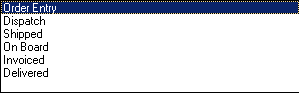
Try this: Scroll down, and click on the Status dropdown list just below all the delivery information.


Return to Main Demo screen.


Press F8 for Today Will be shown after invoicing